02Live
Canvas Connect
A Canvas LMS companion that keeps credentials away from the model.
- Year
- 2026
- Stack
- React · Vercel · Supabase · DeepSeek
- Links
- trycc.vercel.app ↗
Why it's here
The interesting part is a security decision: students supply a revocable Canvas token, and credentials never reach the model.
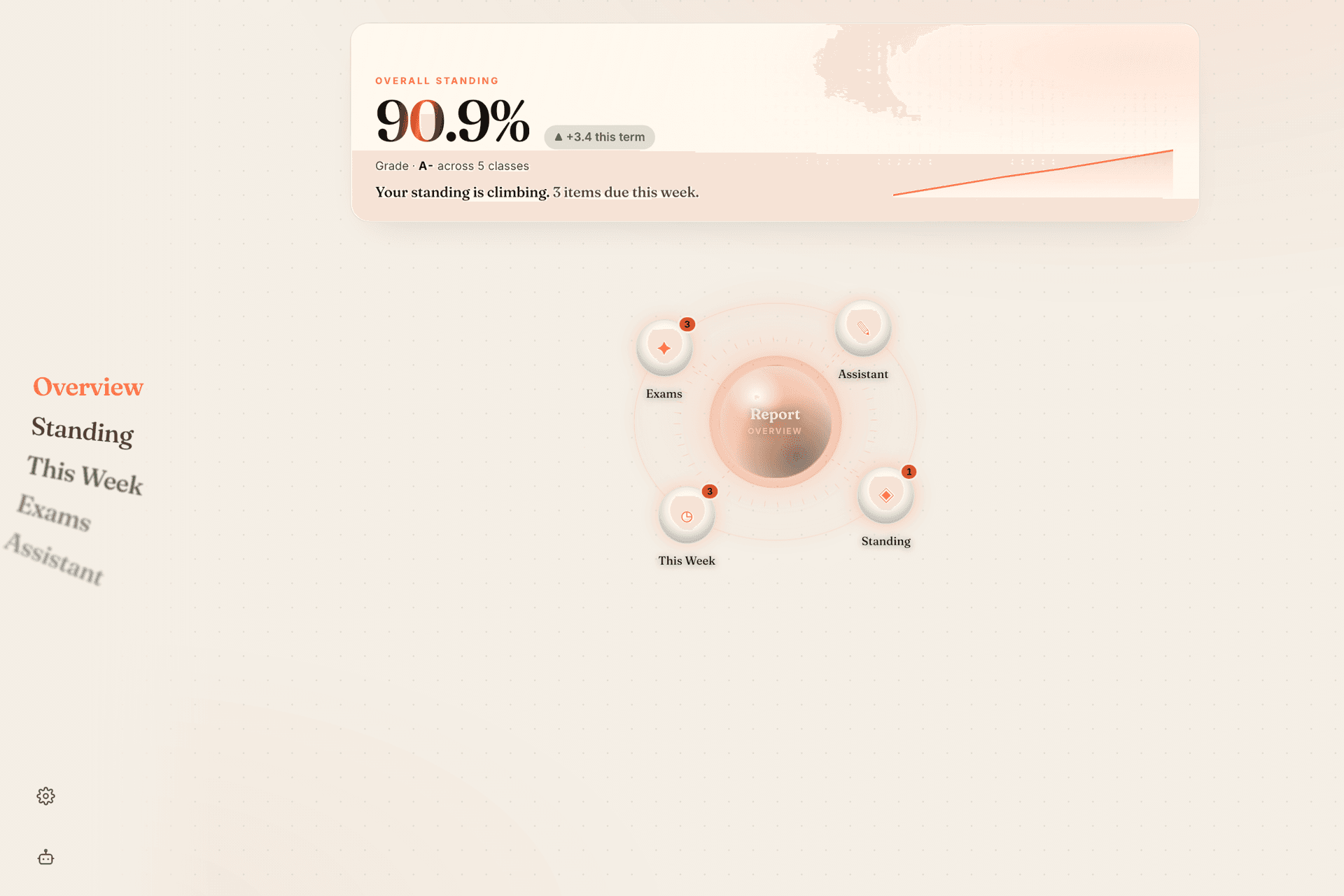
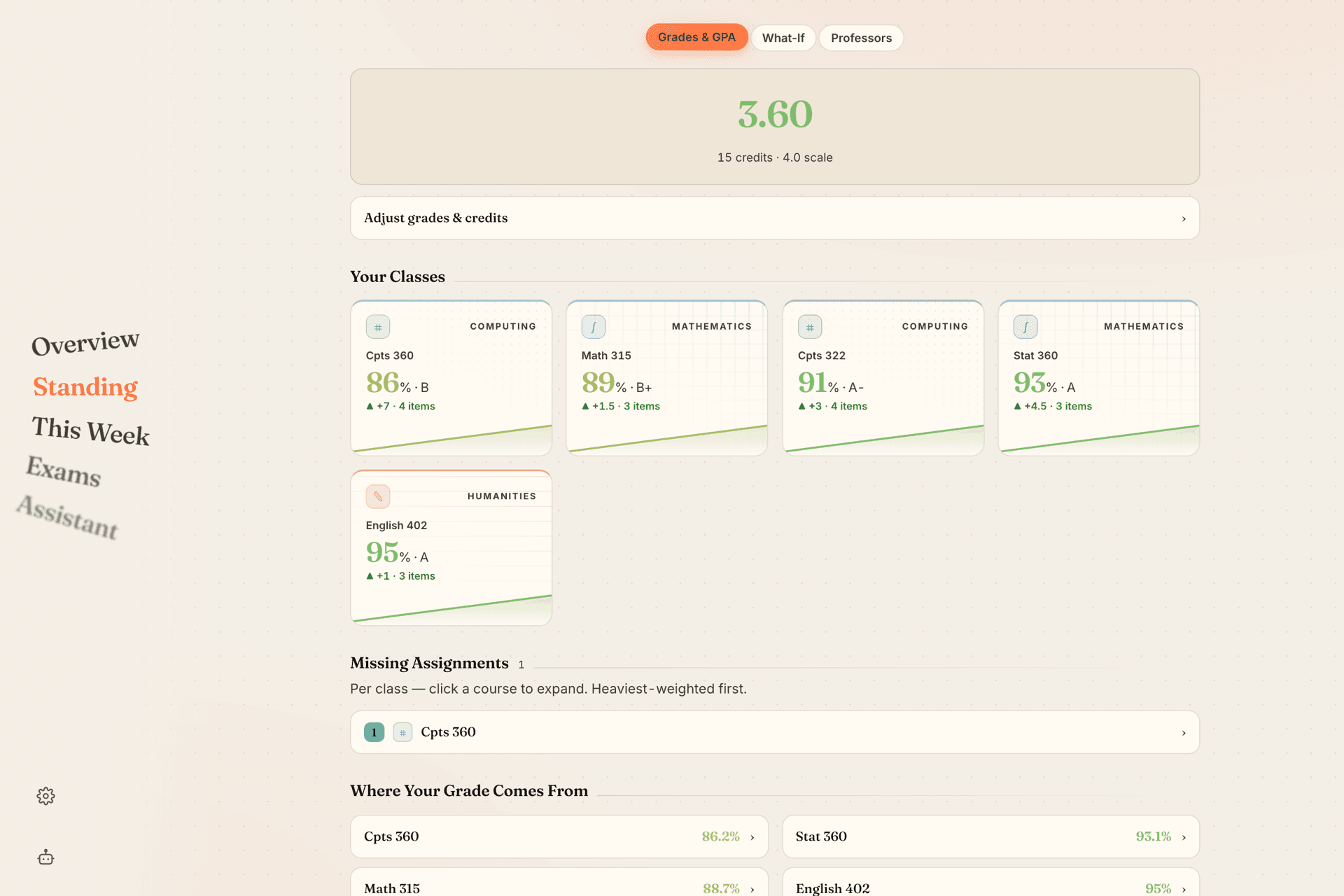
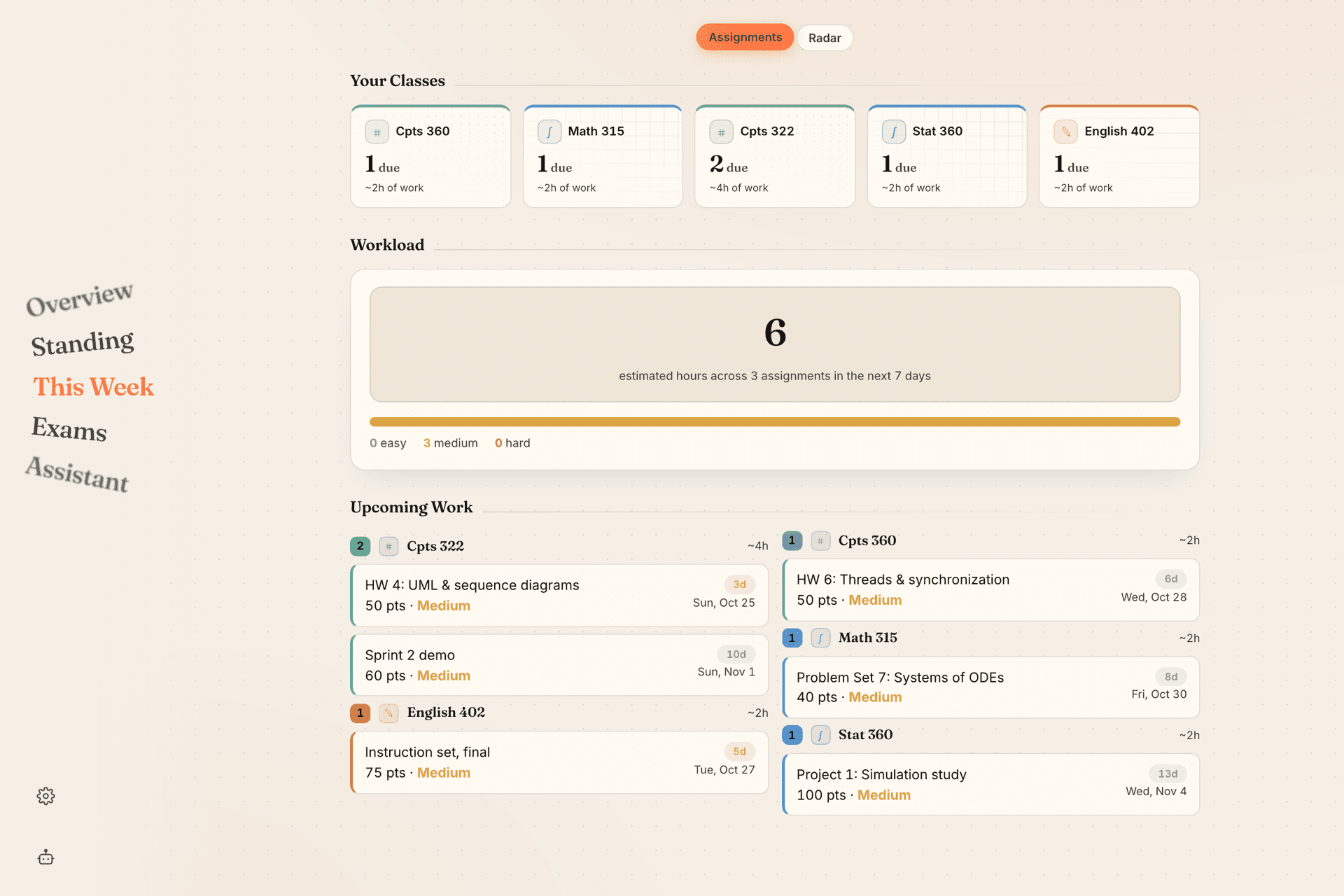
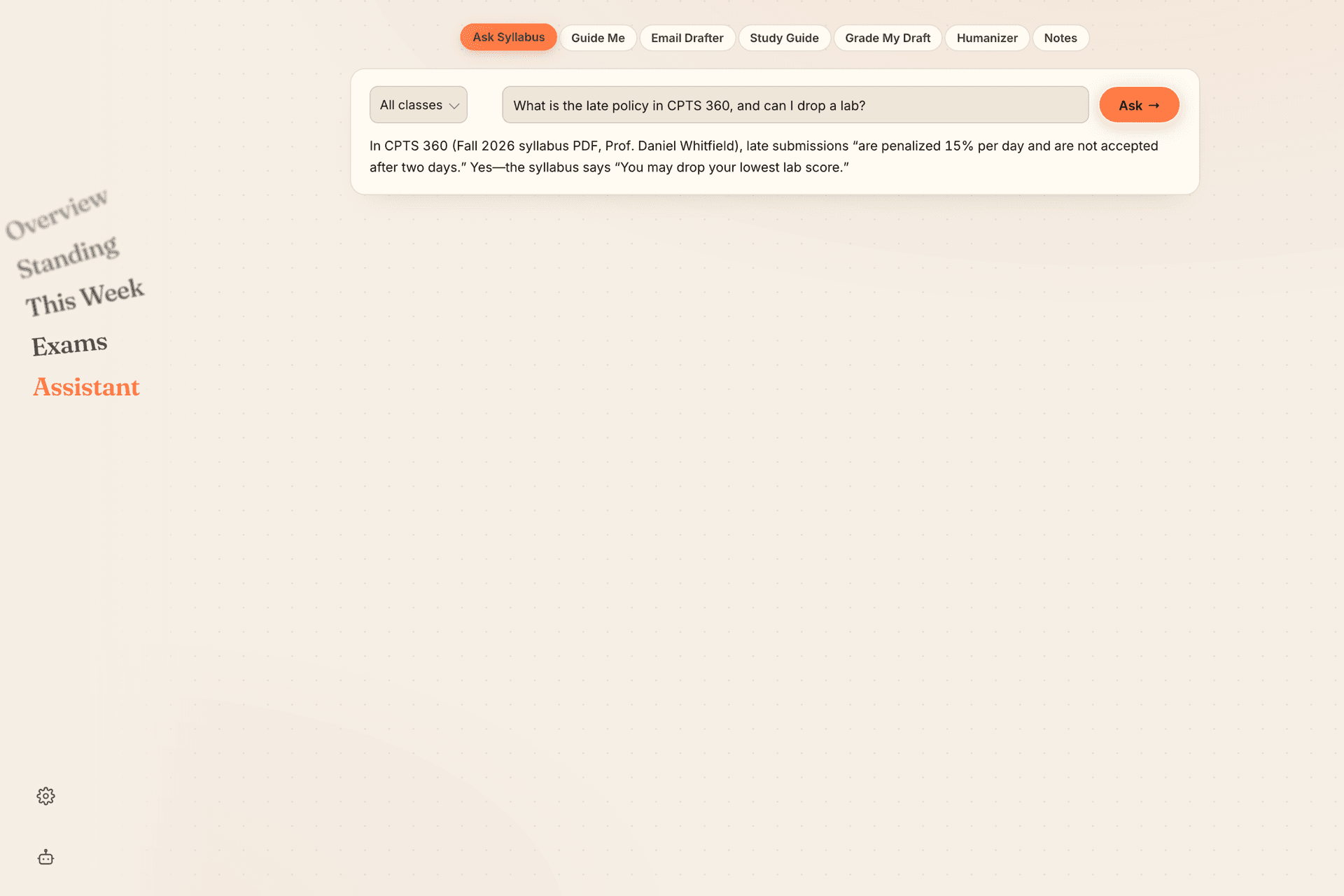
Canvas Connect is a companion dashboard for the Canvas LMS. It syncs course data through the Canvas API into one view of term averages, GPA, due dates and exam schedules, then adds AI features on top: grade what-if simulation, syllabus Q&A, generated study guides, rubric-based draft feedback and one-click extension-email drafting. It is live at trycc.vercel.app. React on Vercel, Supabase Postgres, DeepSeek for the language model. The decision worth writing about is where the credentials live.
Credentials never reach the model
Students connect their account with a Canvas access token that is scoped to their own data and revocable from Canvas at any time. That token is used to call Canvas directly. It is never placed in a prompt and never sent to the model: the language model only ever sees the specific coursework data a feature needs, never the key that could fetch more of it.
This is a deliberate engineering choice, not a fake user count, and it is the more defensible thing to lead with.
Isolation in the data layer
Supabase Postgres enforces row-level security so each user's data is only reachable by that user. The boundary is in the database, not just the application code in front of it.
What it does
On top of that: term averages and GPA, what-if grade projection, question answering over a syllabus, generated study guides, rubric-aligned feedback on draft work, and drafting for extension-request emails. The feature list stays factual; the architecture is the story.